Anytime ERP

Anytime ERP feature

Admissions and enquiries

From the first enquiry to an admitted student: follow-ups, entrance tests, interviews, documents and admission fees — so no family is left waiting for a call.

Young students in uniform sitting in their classroom.
8:52
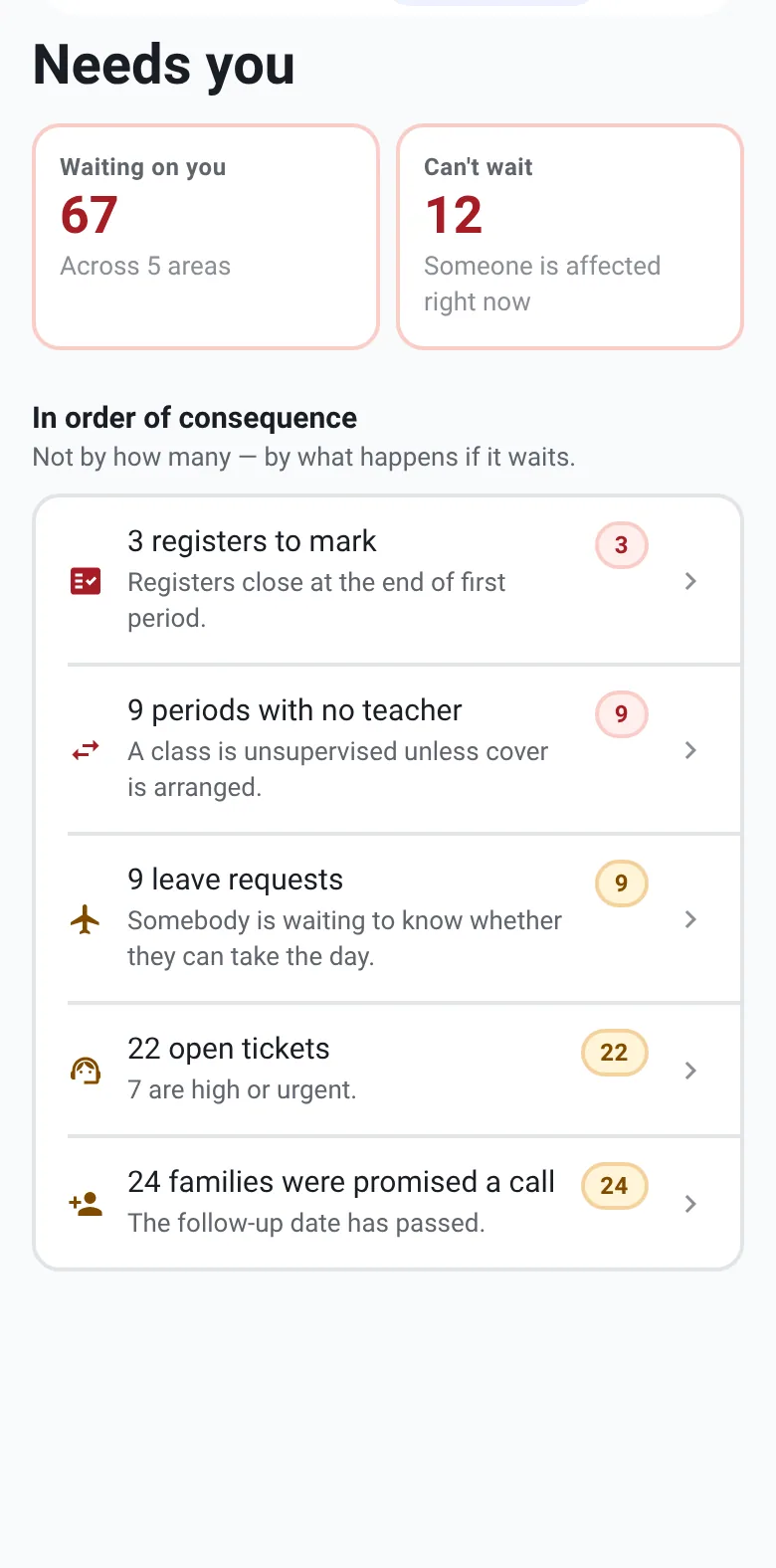
The principal’s list on the phone, including families who were promised a call back

Online application form

A link families can open on any phone.

  • Your school’s name and contact details on the form
  • Student details and photo, the class applied for, parent details and address
  • Where the family heard about the school, for every enquiry

Enquiries and follow-ups

Every enquiry has an owner and a next step.

  • Enquiries by stage, searchable by student, parent, phone or email
  • Assign an owner, schedule follow-ups and keep notes on a timeline
  • Families waiting for a call back appear on the principal’s list

Tests, interviews and merit list

Selection, in one place.

  • Entrance tests with attempts and scores
  • Interviews with a score and recommendation: admit, waitlist or reject
  • A ranked merit list by class

Documents, fees and joining

From offer to first day.

  • Document checklist per applicant: pending, received, verified
  • Admission fees recorded and posted to the accounts
  • Convert an enquiry into a student, with a roll number
  • Conversion rate and funnel counts for any date range

Who uses it

Everyone sees the part that’s theirs.

  • Front office

    Handles enquiries and follow-ups.

  • Principal

    Sees the pipeline and who is waiting.

  • Accountant

    Records admission fees.

  • Families

    Apply online from their phone.

See Anytime ERP in action.

Book a personalised walkthrough of your school’s requirements.